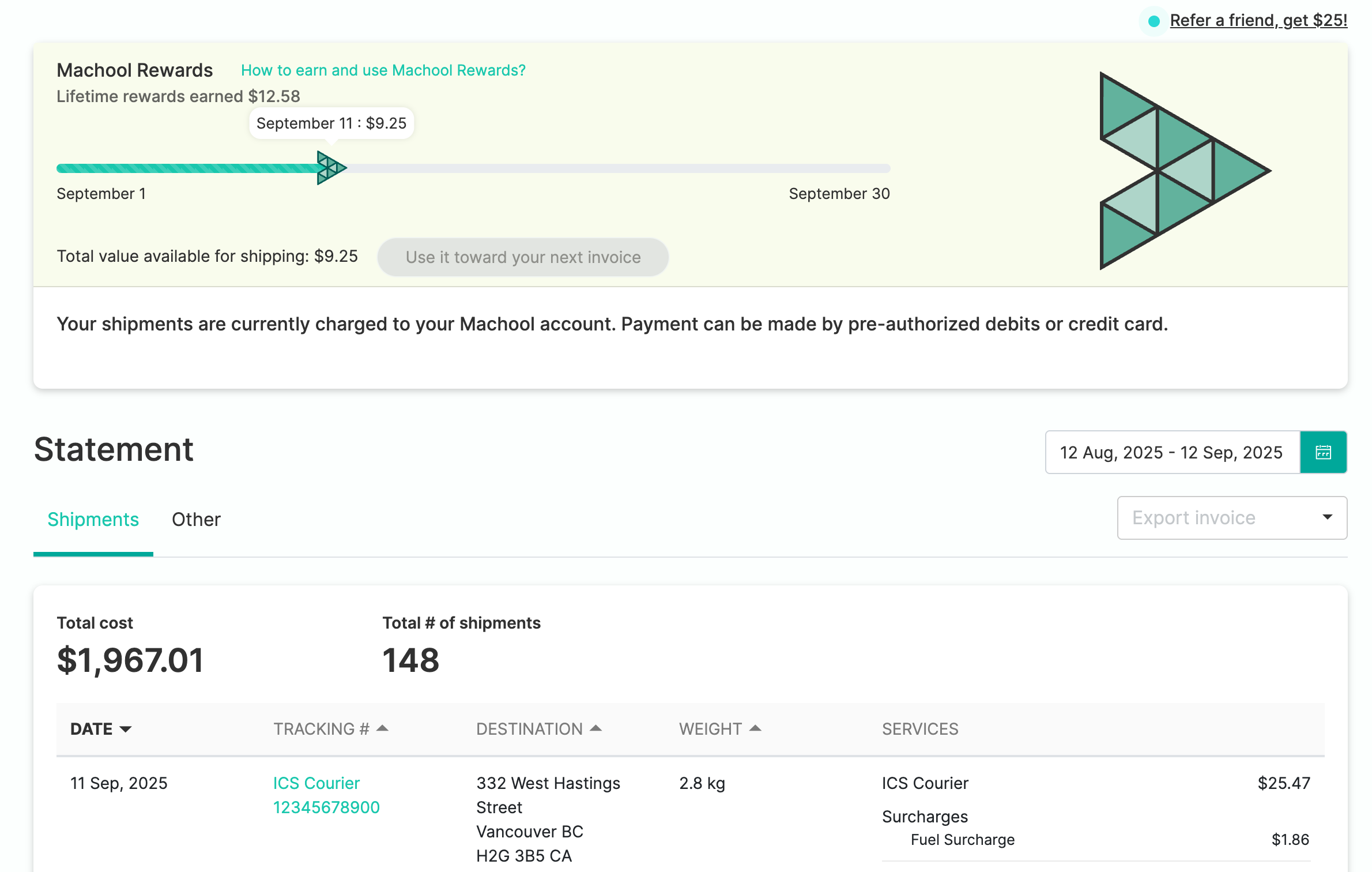
To review your monthly statements click on your email address in the top right corner and select Billing. Under the Statements tab click on the print icon to print the statement.
Shipping documents
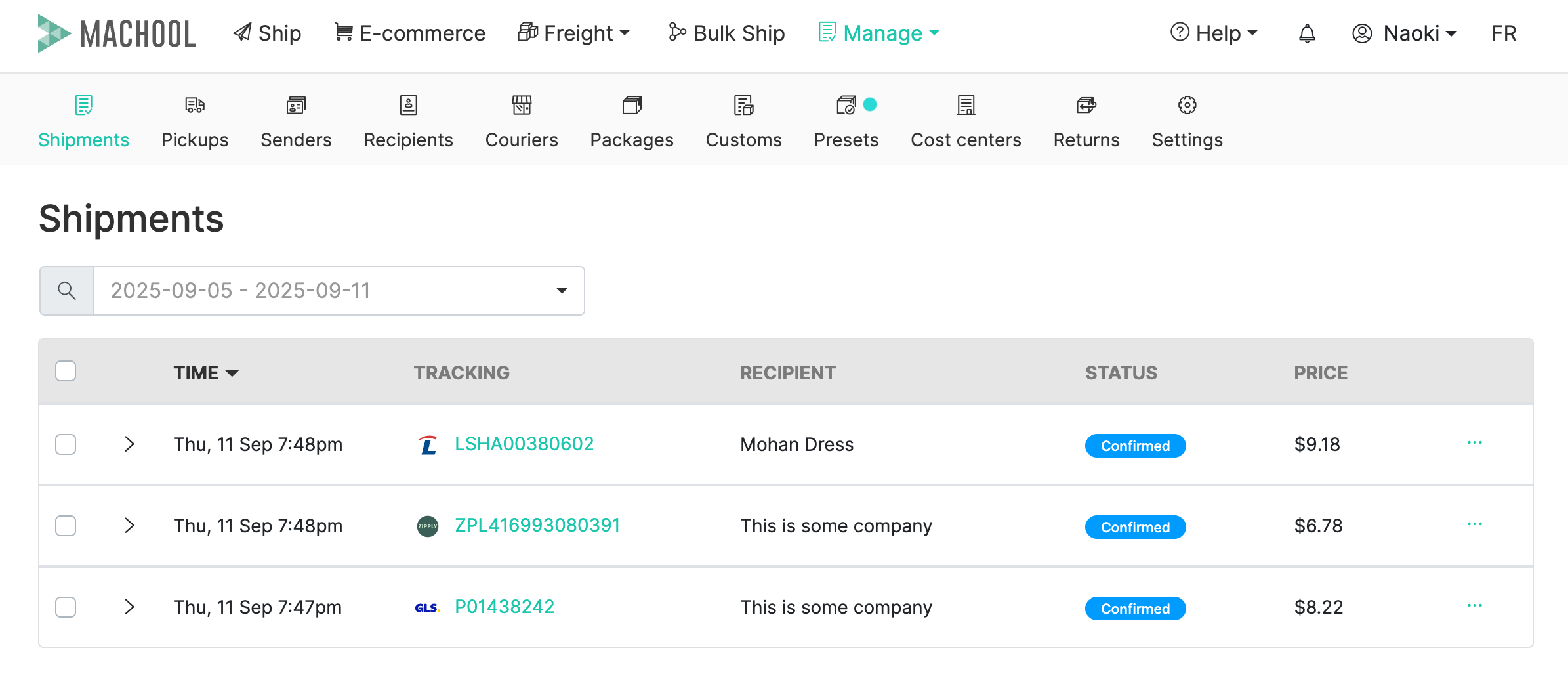
Review your shipping documents by going to Manage > Shipments, find the shipment you want to review and select the three dots under the Actions tab. Here you can review the shipping label and receipt.
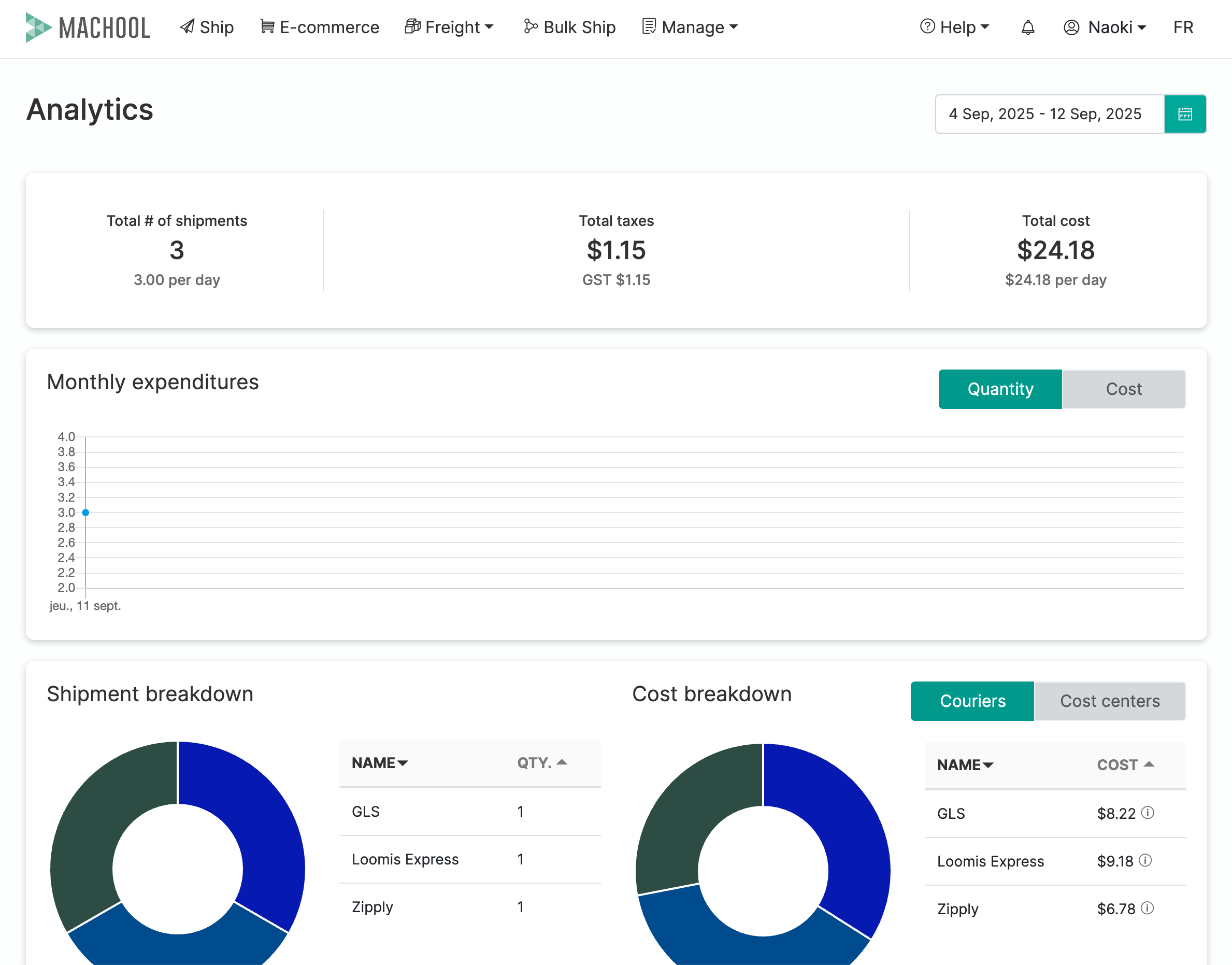
Analytics
Review your shipping trends, costs, and service provider all in one dashboard.
Didn’t find the answers you were looking for? Click hereto contact us.